Spring Boot 🍃
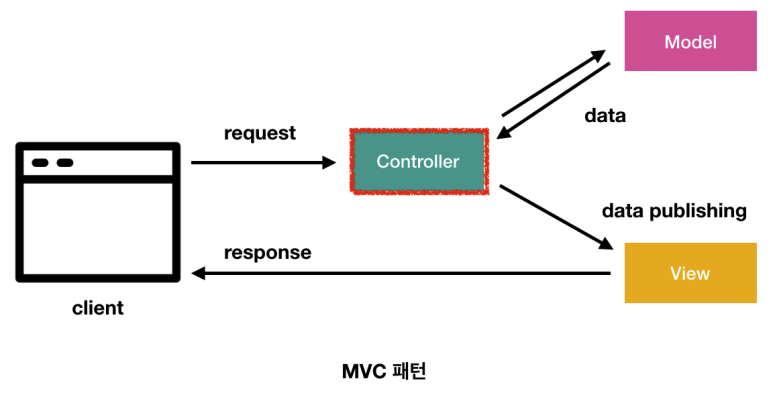
지난 포스팅에서 Controller, Model, View 각각의 역할과 생성 방법을 알아보았다.
이번엔 이 세가지를 동시에 사용하여
사용자에게 입력 페이지에서 두 정수값을 받아, 전송 버튼을 누르면 두 값을 더한 값을 출력페이지에서 보여주는 기능을 구현해보도록 한다.
Controller
import org.springframework.stereotype.Controller;
import org.springframework.ui.Model;
import org.springframework.web.bind.annotation.GetMapping;
import org.springframework.web.bind.annotation.RequestMapping;

@Controller
@RequestMapping("/test")
public class TestController {

    @GetMapping("/input")
public String input() {
return "/test/input.html";
}

    @GetMapping("/result")
public String result(Model model, int num1, int num2) {
        model.addAttribute("result", num1 + num2);
return "/test/result.html";
}
}
사용자가 입력하는 페이지를 input 메소드로,
결과를 보여주는 페이지를 result 메소드로 만들어주고,
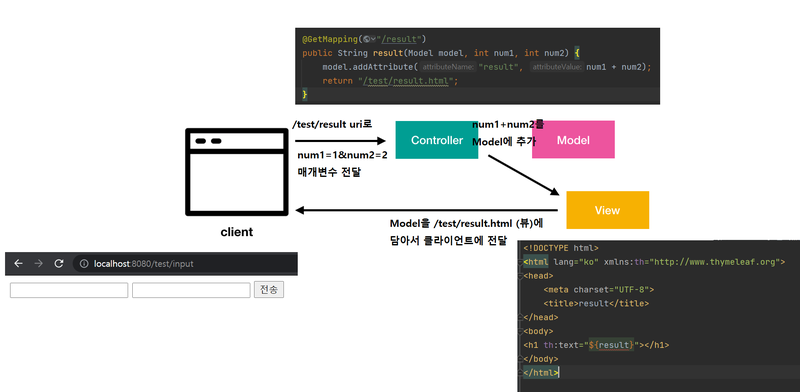
result 메소드에서 사용자가 입력한 int 타입의 num1과 num2를 매개변수로 받는다.
(매개변수로 받는 방법은 많지만, 이에 대한 자세한 설명은 다음에 따로 하기로 한다.)
그리고 num1과 num2을 더한 값을 result라는 이름(key)으로 모델에 담아서 클라이언트에게 /test/result.html를 반환한다.
input.html
<!DOCTYPE html>
<html lang="ko">
<head>
<meta charset="UTF-8">
<title>input</title>
</head>
<body>
<form method="get" action="/test/result">
<input type="text" name="num1">
<input type="text" name="num2">
<input type="submit" value="전송">
</form>
</body>
</html>
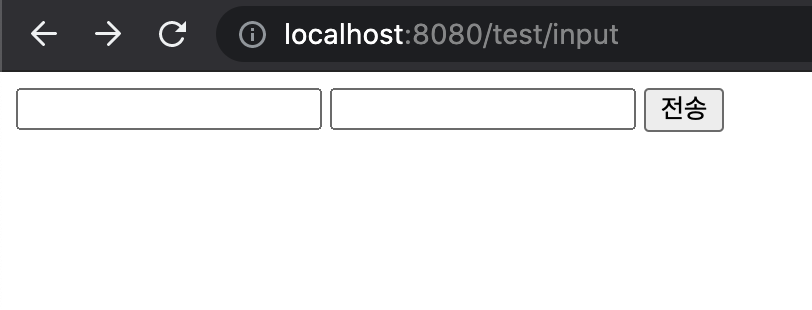
input 페이지
result.html
<!DOCTYPE html>
<html lang="ko" xmlns:th="http://www.thymeleaf.org">
<head>
<meta charset="UTF-8">
<title>result</title>
</head>
<body>
<h1 th:text="${result}"></h1>
</body>
</html>
input 페이지에서 전송 버튼을 누르면 호출되는 result 결과 페이지에는
타임리프 문법을 사용해서 result 값을 화면에 띄운다.
프로젝트를 실행해보자.
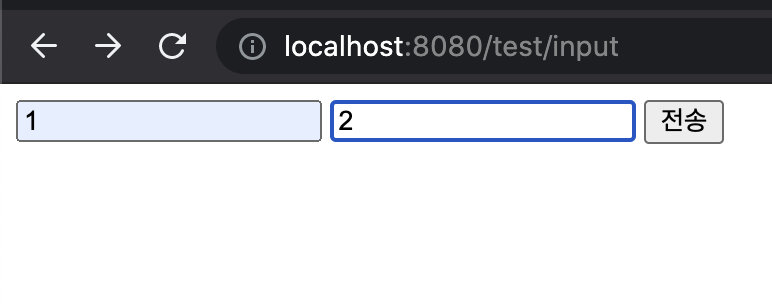
프로젝트 실행 후,
주소창에 input 페이지를 요청해서
input 페이지에 값을 입력하고 전송버튼을 누르면
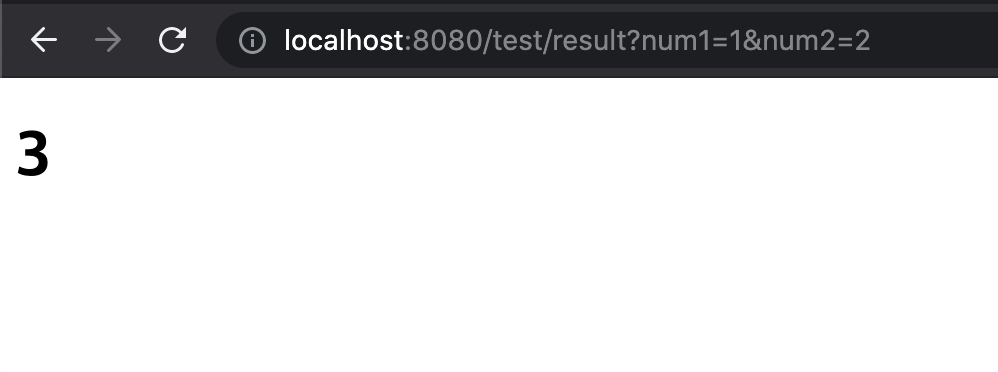
다음과 같이 result 페이지에 3이라는 값이 나온다.
아래 그림으로 이 과정을 정리해보자.