Raspberry Pi ::
라즈베리파이 'I2C 통신'
I2C(Inter-Integrated Circuit)는 SPI 통신처럼
시리얼 통신이며
SDA(Serial Data Line) , SCL(Seria Clock Line) 이라는 두개의 통신라인만으로 주변 기기들과 통신이 가능하다.
SPI에서는 주변 기기마다 CS 통신라인이 필요했지만 I2C에서는 필요없음 >_<
0. I2C 설정
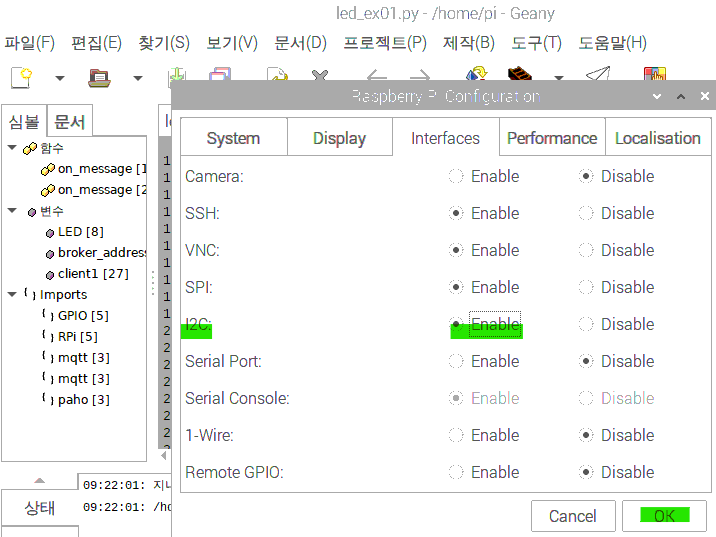
1. i2c-tools 설치
라즈베리파이 터미널에 입력
sudo apt-get install -y i2c-tools
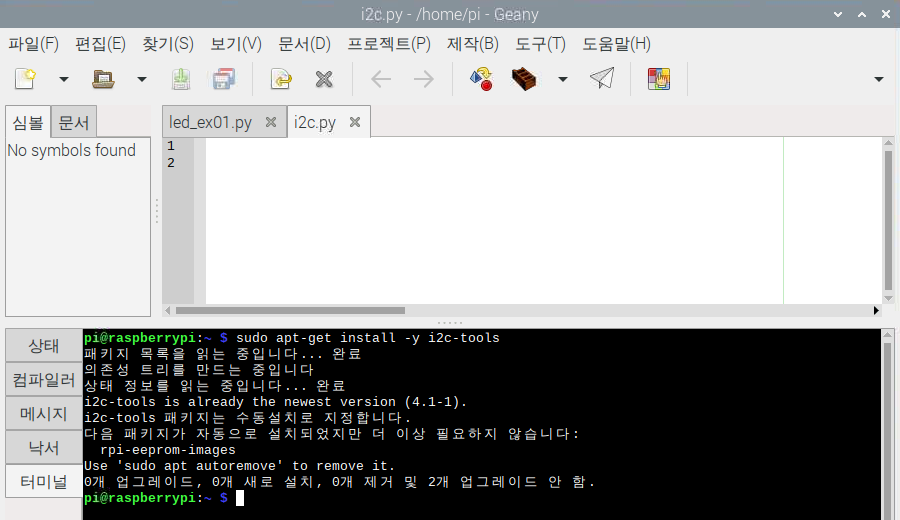
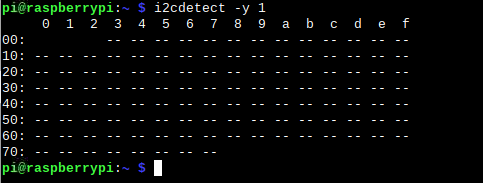
잘 받아졌는지 확인:
i2cdetect -y 1
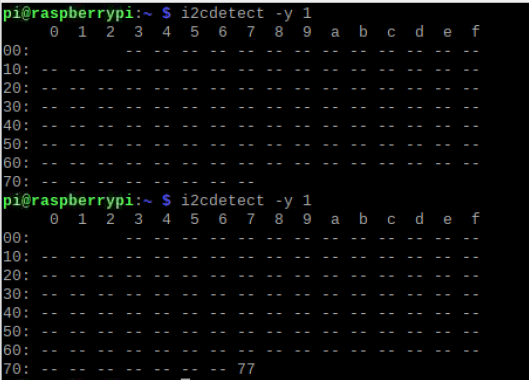
센서를 연결하고
재확인! 해보면?
i2cdetect -y 1
라이브러리 받아오기
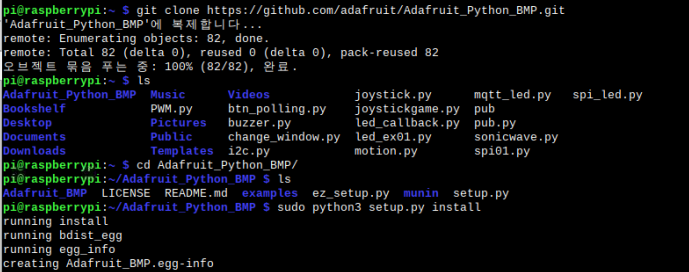
git clone https://github.com/adafruit/Adafruit_Python_BMP.git
ls 명령어로 확인해보면
cd Adafruit_Python_BMP/
sudo python3 setup.py install
# -*- coding: utf-8 -*-
import Adafruit_BMP.BMP085 as BMP085

sensor = BMP085.BMP085()

temp=sensor.read_temperature()
pressure=sensor.read_pressure()
altitude=sensor.read_altitude()
print('Temp={0:.2f} *C'.format(temp))
print('Pressure={0:0.2f} Pa'.format(pressure))
print('Altitude={0:0.2f} m'.format(altitude))
결과 :
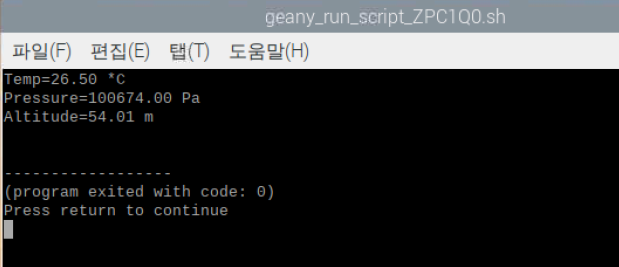
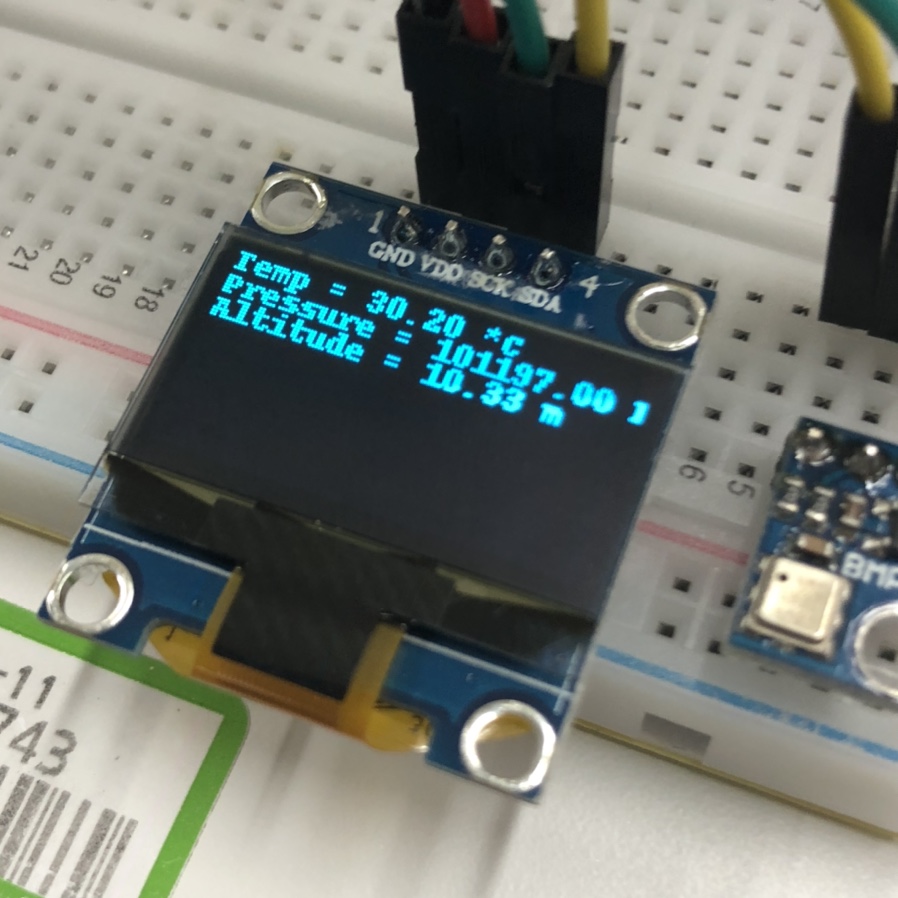
26 도~~~ 라네요
사진은 한참 후에 찍어서 온도가 더 올라갔나봐여