(1) virt-manager 설치
dnf -y install virt-manager
(2) MacOs에 X11설치
dnf -y install xauth
virt-manager
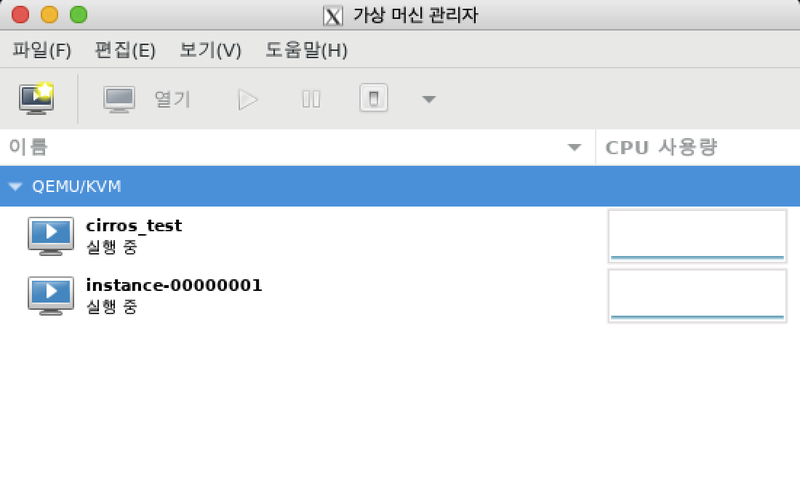
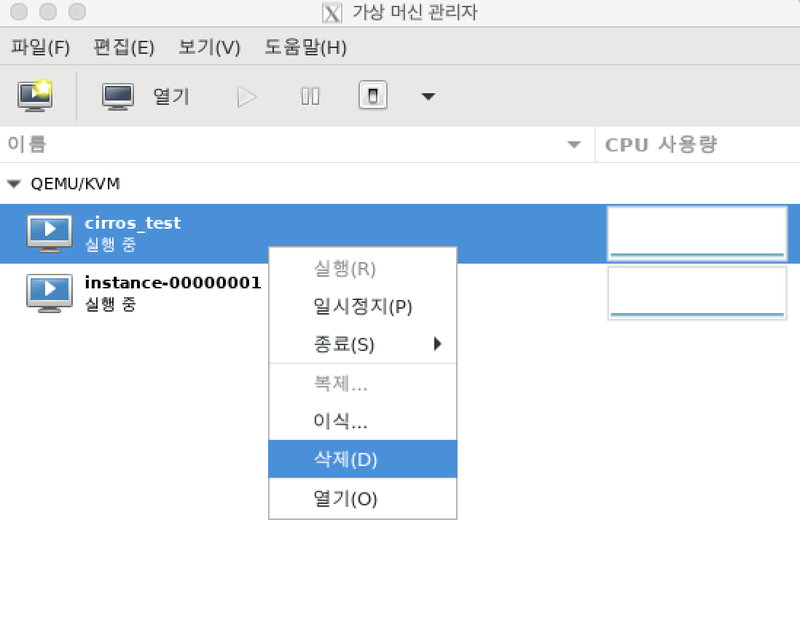
mv CentOS-7-x86_64-GenericCloud.qcow2 /virt/
virt-install --name centos7 --ram 1024 \
  --disk /virt/CentOS-7-x86_64-GenericCloud.qcow2,format=qcow2 \
  --network network=default \
  --graphics vnc,listen=0.0.0.0 --noautoconsole \
  --os-type=linux --os-variant=centos7.0 \
  --boot hd
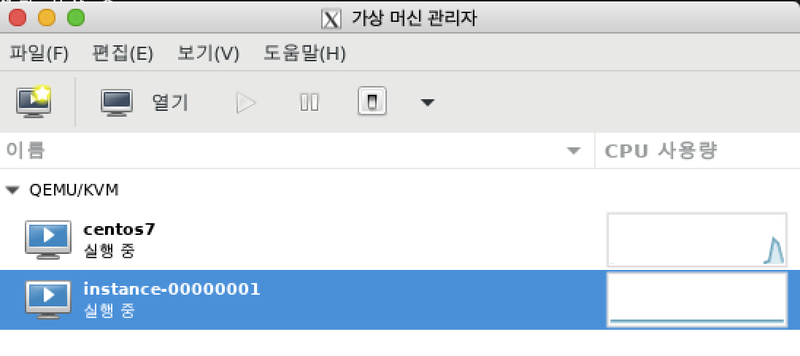
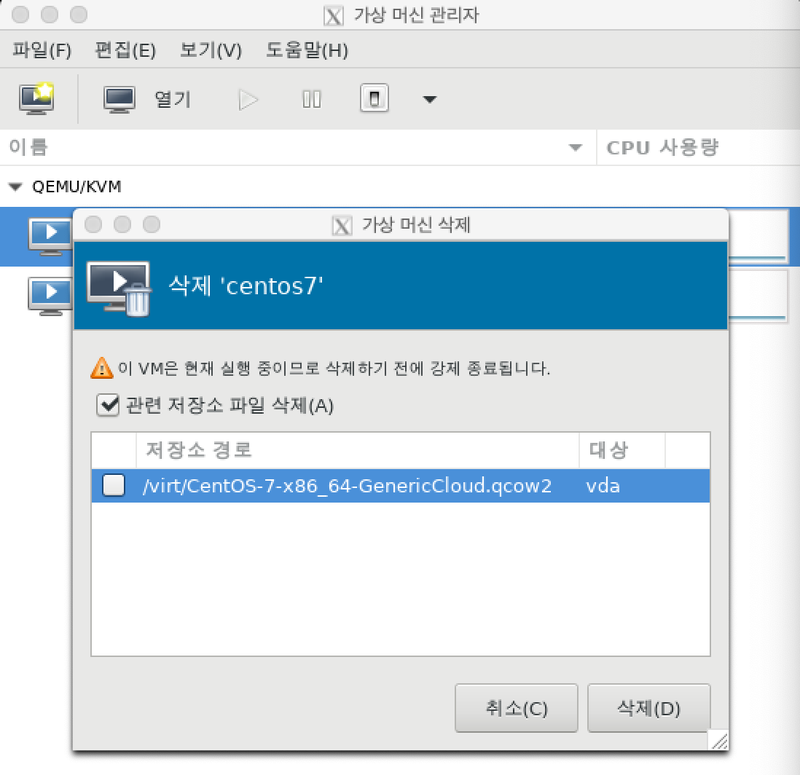
(3) 이미지에 ssh key 추가
[root@compute virt]# ssh-keygen
=========================================================================
Generating public/private rsa key pair.                    # 엔터 3번!
Enter file in which to save the key (/root/.ssh/id_rsa):
Enter passphrase (empty for no passphrase):
Enter same passphrase again:
Your identification has been saved in /root/.ssh/id_rsa.
Your public key has been saved in /root/.ssh/id_rsa.pub.
ls -l /root/.ssh/id_rsa.pub
-rw-r--r--. 1 root root 566 5월 13 11:35 /root/.ssh/id_rsa.pub
dnf -y install libguestfs-tools
virt-sysprep -a [이미지파일] --ssh-inject [사용자이름]:file:[키파일위치]

virt-sysprep -a /virt/CentOS-7-x86_64-GenericCloud.qcow2 --ssh-inject root:file:/root/.ssh/id_rsa.pub