0. JDBC 란?
1.
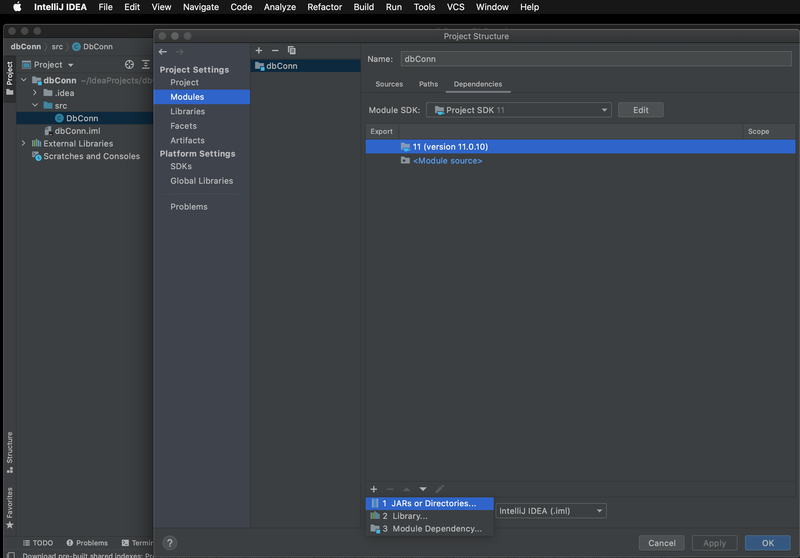
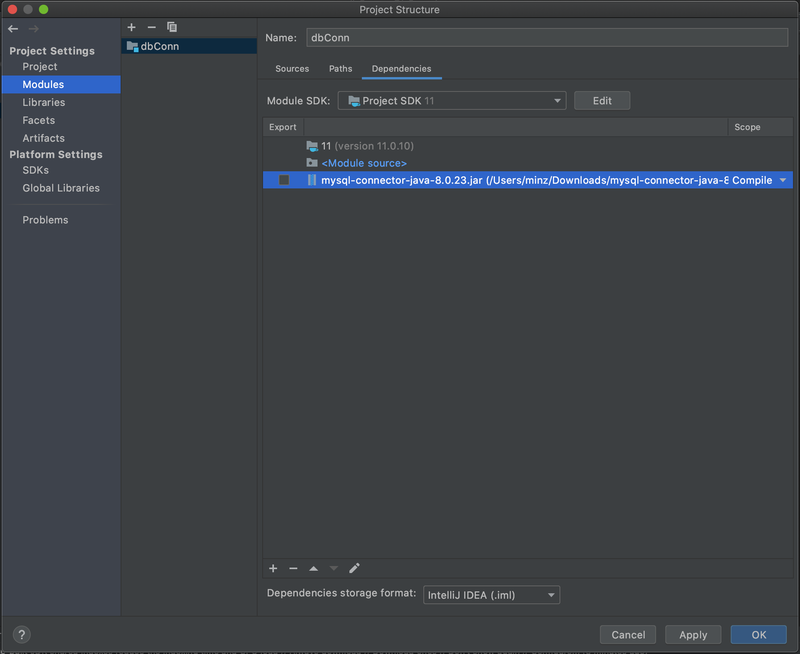
 Connection connection = null;

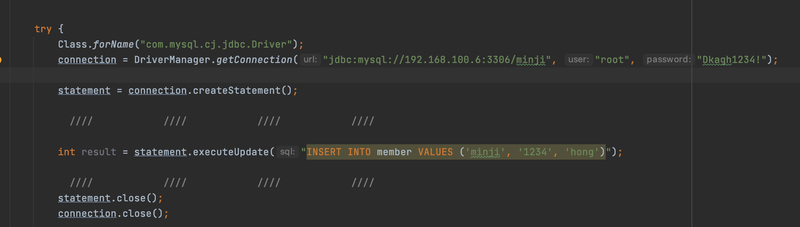
        Class.forName("com.mysql.cj.jdbc.Driver");
//        오라클이면 오라클에, mysql이면 mysql에 접속할 수 있는 드라이버를 불러온다.
        connection = DriverManager.getConnection("jdbc:mysql://192.168.100.6:3306/minji", "root", "Dkagh1234!");
import java.sql.Connection;
import java.sql.DriverManager;
import java.sql.SQLException;
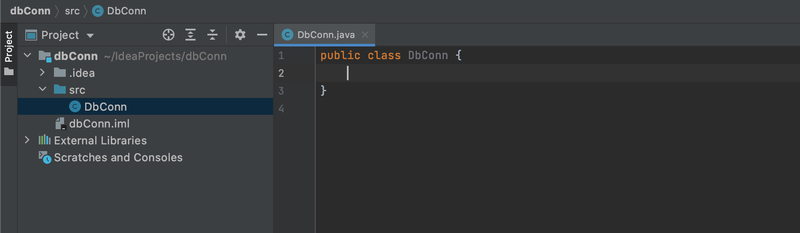
public class DbConn {
public static void main(String[] args) {
        Connection connection = null;
try {
            Class.forName("com.mysql.cj.jdbc.Driver");

            connection = DriverManager.getConnection("jdbc:mysql://DB IP:3306/DB name", "root", "[PW]");

            connection.close();
} catch (ClassNotFoundException e) {
            e.printStackTrace();
} catch (SQLException throwables) {
            throwables.printStackTrace();
}
}
}
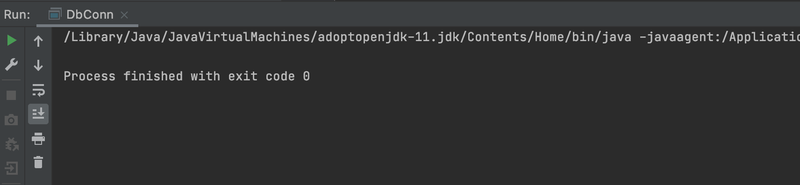
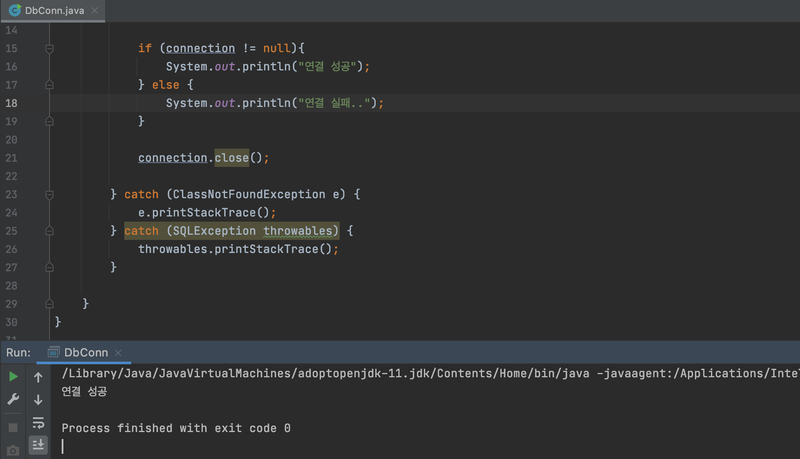
2.

Statement statement = null;
public class DbConn {
public static void main(String[] args) {
        Connection connection = null;
        Statement statement = null;
try {
            Class.forName("com.mysql.cj.jdbc.Driver");
            connection = DriverManager.getConnection("-");

            statement = connection.createStatement();
3.

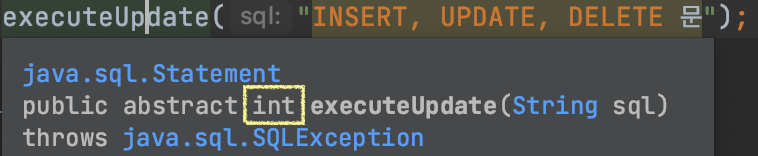
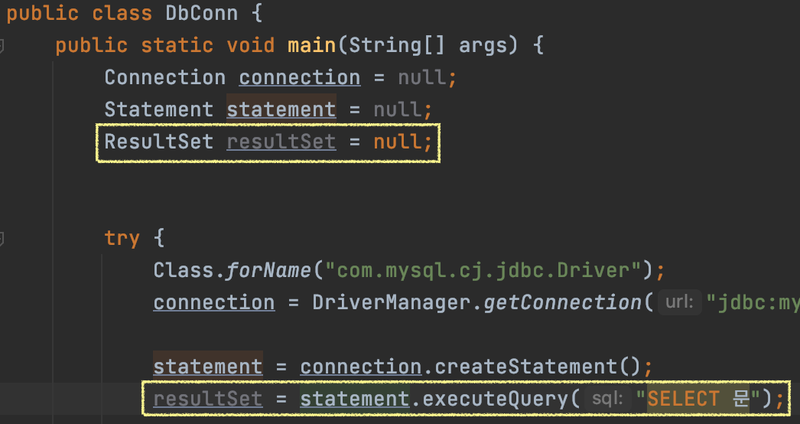
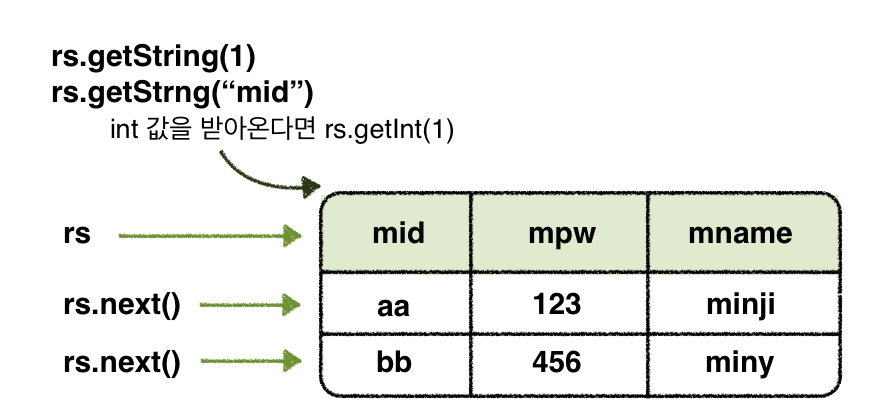
import java.sql.*;
public class DbConn {
public static void main(String[] args) {
        Connection connection = null;
        Statement statement = null;
        ResultSet resultSet = null;
try {
            Class.forName("com.mysql.cj.jdbc.Driver");
            connection = DriverManager.getConnection("jdbc:mysql://192.168.100.6:3306/minji", "root", "Dkagh1234!");

            statement = connection.createStatement();
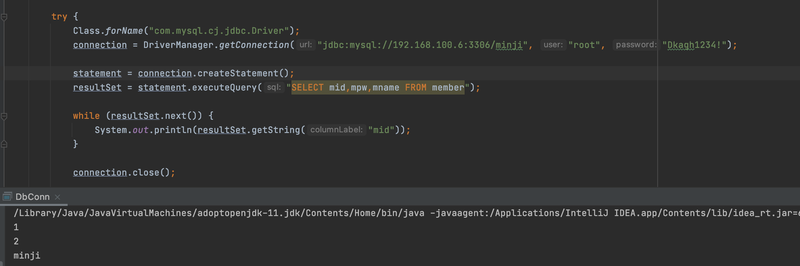
            resultSet = statement.executeQuery("SELECT mid,mpw,mname FROM member");
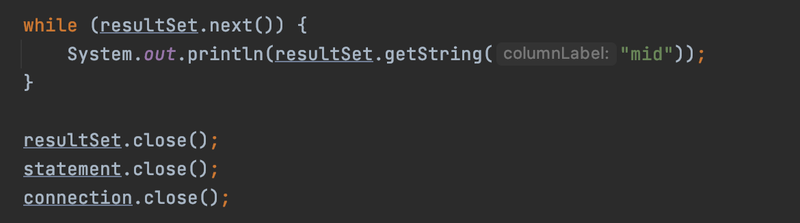
while (resultSet.next()) {
                System.out.println(resultSet.getString("mid"));
}

            resultSet.close();
            statement.close();
            connection.close();
} catch (ClassNotFoundException e) {
            e.printStackTrace();
} catch (SQLException throwables) {
            throwables.printStackTrace();
}
}
}